'%3e%3cpath%20d='M43.073%200.00649261H15.0943V3.94346H43.073V0.00649261Z'%20fill='url(%23kiwitaxi-grad)'%20/%3e%3cpath%20d='M15.0828%203.94346C16.1928%203.94346%2017.0512%203.06513%2017.0512%201.97497C17.0512%200.874164%2016.1822%200.00649261%2015.0828%200.00649261C14.0362%200.00649261%2013.1379%200.851916%2013.1379%201.97497C13.1379%203.10916%2014.0478%203.94346%2015.0828%203.94346Z'%20fill='white'%20/%3e%3cpath%20d='M43.0614%203.94346C44.1715%203.94346%2045.0299%203.06513%2045.0299%201.97497C45.0299%200.874164%2044.1609%200.00649261%2043.0614%200.00649261C42.0149%200.00649261%2041.1166%200.851916%2041.1166%201.97497C41.1166%203.10916%2042.0265%203.94346%2043.0614%203.94346Z'%20fill='white'%20/%3e%3cpath%20d='M19.5921%2038.5052V39.828H23.1471V26.0491H19.5921V27.3446C18.895%2026.5789%2017.4549%2025.8841%2015.7339%2025.8841C11.8502%2025.8841%208.78975%2028.7578%208.78975%2032.939C8.78975%2037.1374%2011.8702%2039.9935%2015.7339%2039.9935C17.4938%2039.9935%2018.932%2039.2691%2019.5921%2038.5052ZM12.2892%2032.939C12.2892%2030.5715%2013.929%2029.1912%2015.9819%2029.1912C18.0106%2029.1912%2019.5647%2030.5845%2019.5647%2032.939C19.5647%2035.2579%2017.9768%2036.6869%2015.9823%2036.6869C13.9596%2036.6869%2012.2892%2035.264%2012.2892%2032.939Z'%20fill='white'%20/%3e%3cpath%20d='M44.7174%2026.0496H41.4289V39.8281H44.7174V26.0496Z'%20fill='white'%20/%3e%3cpath%20d='M32.2183%2035.7001L29.3455%2039.8281H24.94L30.044%2032.8552L25.1624%2026.0496H29.7075L32.3295%2029.8985L35.035%2026.0496H39.4405L34.5599%2032.7435L39.6361%2039.8281H35.1189L32.2183%2035.7001Z'%20fill='white'%20/%3e%3cpath%20d='M3.34504%2022.9604V26.0496H7.4039V29.0939H3.34504V34.2781C3.34504%2035.9866%204.33971%2036.7008%205.955%2036.7008C6.54504%2036.7008%207.16659%2036.5766%207.63241%2036.235V39.4341C7.04237%2039.7757%206.14133%2039.9931%204.89915%2039.9931C1.8243%2039.9931%200.0226746%2038.1293%200.0226746%2034.9298V22.96H3.34504Z'%20fill='white'%20/%3e%3cpath%20d='M36.2094%208.57428L33.307%2016.8723L30.43%208.57428H27.7621L24.8597%2016.8723L21.9828%208.57428H18.4884L23.2157%2021.4188H26.5037L29.084%2014.4093L31.6629%2021.4188H34.951L39.6782%208.57428H36.2094Z'%20fill='white'%20/%3e%3cpath%20d='M44.7174%208.57381H41.4289V21.4188H44.7174V8.57381Z'%20fill='white'%20/%3e%3cpath%20d='M16.7387%208.57381H13.4502V21.4188H16.7387V8.57381Z'%20fill='white'%20/%3e%3cpath%20d='M11.7001%208.57382L6.07922%2014.1326L12.1622%2021.4188H8.05929L3.92163%2016.28L3.3455%2016.8538V21.4188H0.0226746V3.94299H3.3455V12.7574L7.59764%208.57382H11.7001Z'%20fill='white'%20/%3e%3c/g%3e%3cdefs%3e%3clinearGradient%20id='kiwitaxi-grad'%20x1='15.0945'%20y1='1.97497'%20x2='43.073'%20y2='1.97497'%20gradientUnits='userSpaceOnUse'%3e%3cstop%20stop-color='%2300D2CD'%20stop-opacity='0'%20/%3e%3cstop%20offset='1'%20stop-color='%2300D2CD'%20/%3e%3c/linearGradient%3e%3cclipPath%20id='kiwitaxi-clip'%3e%3crect%20width='46'%20height='40'%20fill='white'%20/%3e%3c/clipPath%3e%3c/defs%3e%3c/svg%3e)


Stay connected on your trip
Get an eSIM before you fly - works in 200+ countries, no roaming fees, instant activation. Exclusive Kiwitaxi × Airalo partnership: unlock your discount with our promo code
Get eSIMHow to Activate eSim: Step-by-Step Guide
Modern travelers have one thing in common: the need for stress-free, reliable, instant, and affordable connectivity from the moment they arrive and throughout their trips across borders.
One standout solution that ticks all of these boxes? An eSim, a simple, digital way to stay connected that redefines global connectivity and covers all your travel needs.
Wherever your wanderlust takes you, an eSim changes the way you connect, making it effortless to go online and explore without interruption. And behind every seamlessly connected trip is a simple question: how to activate an eSim? Here, a quick setup guide to get you started.
1. Check Your Phone’s Compatibility & Unlock Status: Before buying an eSim, be sure your phone supports eSim (most iPhone XS and newer models are compatible). To complete eSim activation, your phone must also be carrier-unlocked. If your device is locked to your home network, contact your provider before trying to activate eSim.
2. Pick & Buy an eSim Plan: Choose a provider and buy a data plan based on your destination and the duration of your trip. Once purchased, you’ll receive details like an eSim activation code or a QR code to begin setup.
3. Install the eSIM: If you’re wondering, “how to install eSim,” you have two main ways:
Direct Installation: Open the provider’s app and tap Install eSIM. This is the fastest, one-tap method.
QR Code Method: Go to your phone’s settings to scan the code provided in your email:
How to install eSim on iPhone: Settings → Cellular → Add eSIM → Use QR Code.
How to install eSim on Android: Settings → Network & Internet → SIMs → Add eSIM.
4. Label Your Lines: During installation, you’ll be asked to name the new line. Label your home SIM as “Primary,” and your new eSIM as “Travel,” or the name of your destination (e.g., “Europe” or “USA”). This ensures you don’t accidentally use the wrong plan.
5. Configure Data Settings: To prevent unexpected roaming charges, set the Travel eSIM as your “Primary Mobile Data” line and turn OFF “Allow Cellular Data Switching.” This stops your phone from going back to your home plan if the travel signal is weak. Remember to keep your main SIM ON if you need to receive texts (SMS) from home, but be sure data is routed through the eSIM.
6. Activate Upon Arrival: If you’re wondering how to activate eSim on iPhone or how to activate eSim on Android, the process is pretty similar. When you land in your destination, go to: Settings → Mobile/Cellular Data → Toggle your Travel eSIM to ON → Set Cellular Data to the Travel eSIM → Turn Data Roaming ON for the Travel eSIM. This is a crucial step for regional plans (like an all-Europe eSIM) to allow the phone to switch between different local networks as you move.
Now, you’re all set and ready to go! Your phone will connect to a local network automatically, giving you instant access to data, maps, and apps.

Frequently Asked Questions
Q: How long does it take to activate eSim?
A: It really depends on the provider, but most activations are instant or take just a few minutes.
Q: What should I do if I’m unable to activate eSim?
A: First, confirm that your device is connected to a stable Wi-Fi network. Check that your phone is unlocked and that you haven’t already reached the maximum number of eSims allowed on your device. If the manual code or QR scan fails, try restarting your phone to clear any temporary software glitches.
Q: What should I do if I’m unable to activate eSim on iPhone?
A: If you’re unable to activate an eSIM on iPhone, go to Settings > General > About, and ensure “No SIM restrictions” is displayed under Carrier Lock. If the device is unlocked, try navigating to Settings > Cellular and be sure you’re selecting “Add eSIM” while on a strong Wi-Fi connection. If an “Unable to Complete Cellular Plan Change” error appears, contact your provider to verify if the QR code has already been used.
Q: How to activate an eSim on iPhone?
A: Go to Settings → Cellular → Add eSim, then scan your QR code or enter the activation details manually. On newer models, you may also see an option for eSIM Carrier Activation, which simplifies the process.
Q: How to activate eSim on Android?
A: Go to Settings → Connections (or Network & Internet) → SIM Manager, then add your eSim by scanning the QR code or entering the activation details provided by your carrier.
Q: How to install eSim on iPhone?
A: Go to Settings → Cellular → Add eSim, then scan the QR code provided by your carrier or enter the activation details manually. Follow the on-screen steps to finish installation.
Q: Can I install and activate eSim later?
A: Yes. You can install eSim in advance and activate it when you arrive at your destination. For most international travel plans, the data package won’t actually activate (start its 7 or 30-day countdown) until your phone connects to a supported network at your destination.
Q: Do I need Wi-Fi for eSim activation?
A: Yes, a stable internet connection (Wi-Fi or mobile data) is required for eSim activation.
Q: What is an eSim activation code?
A: An eSim activation code is a unique code provided by your carrier that allows you to manually set up your eSim if you’re not using a QR code. It allows you to manually set up your eSim if your camera cannot scan the QR code or if you received the details via email on the same device you’re using.
Smart Travel Tips
Traveling smart? Set up your Airalo eSim from the comfort of your home and pre-book a Kiwitaxi airport transfer so you can step off the plane connected, knowing everything is already taken care of!
Discover more on eSims with our guides:
Best Picks
Practical guides to help you stay connected and move smoothly wherever you travel.

What Is an eSIM? A Traveler's Guide to Staying Connected Abroad

Best eSIM for Japan 2026

Best eSIM for International Travel [2026]

Free eSIM Trial: Where to Get Free Data

Airalo eSIM: Complete Review & How to Use

Best eSim for Europe: One Card for 30+ Countries

Best eSim for Mexico: Stay Connected on Your Trip
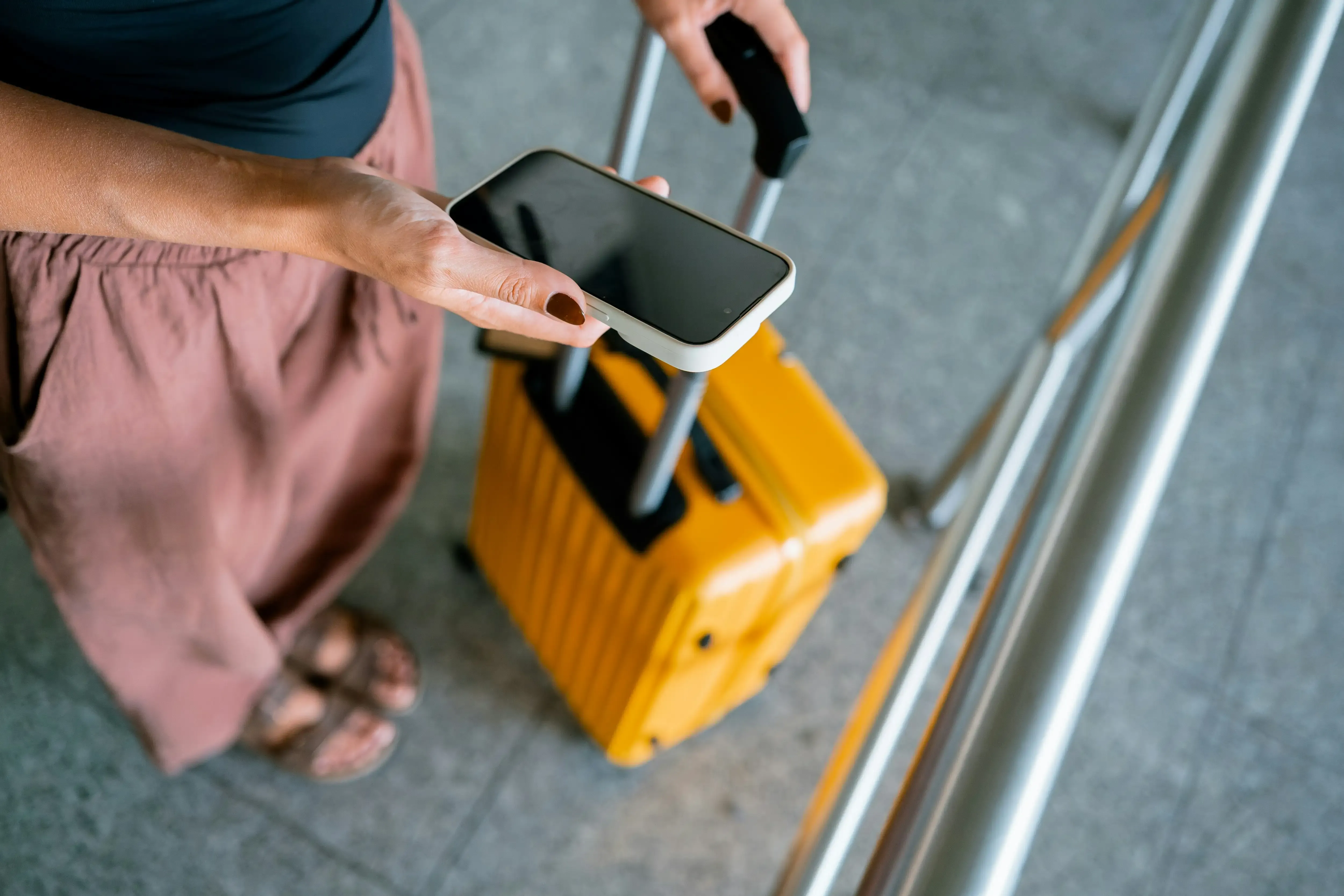
Best eSim for UK: Visitor’s Guide

Best eSIM for USA: Plans, Prices & Setup Guide
eSim vs Physical SIM: Which Is Better for Travel?
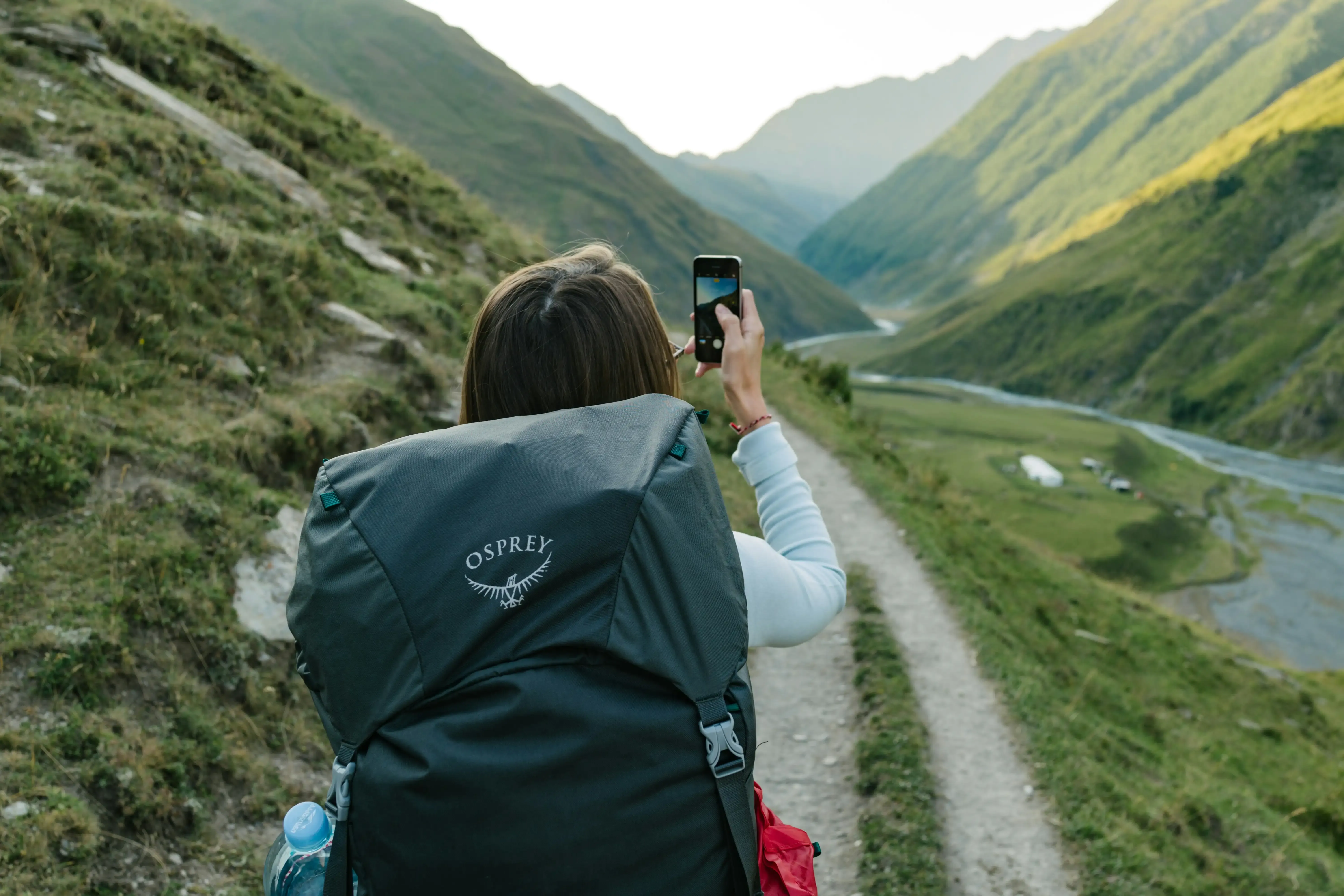
How to Activate eSim: Step-by-Step Guide

Kiwitaxi Airport Transfers
Relax and enjoy the ride, knowing that every detail is managed for your peace of mind
Explore